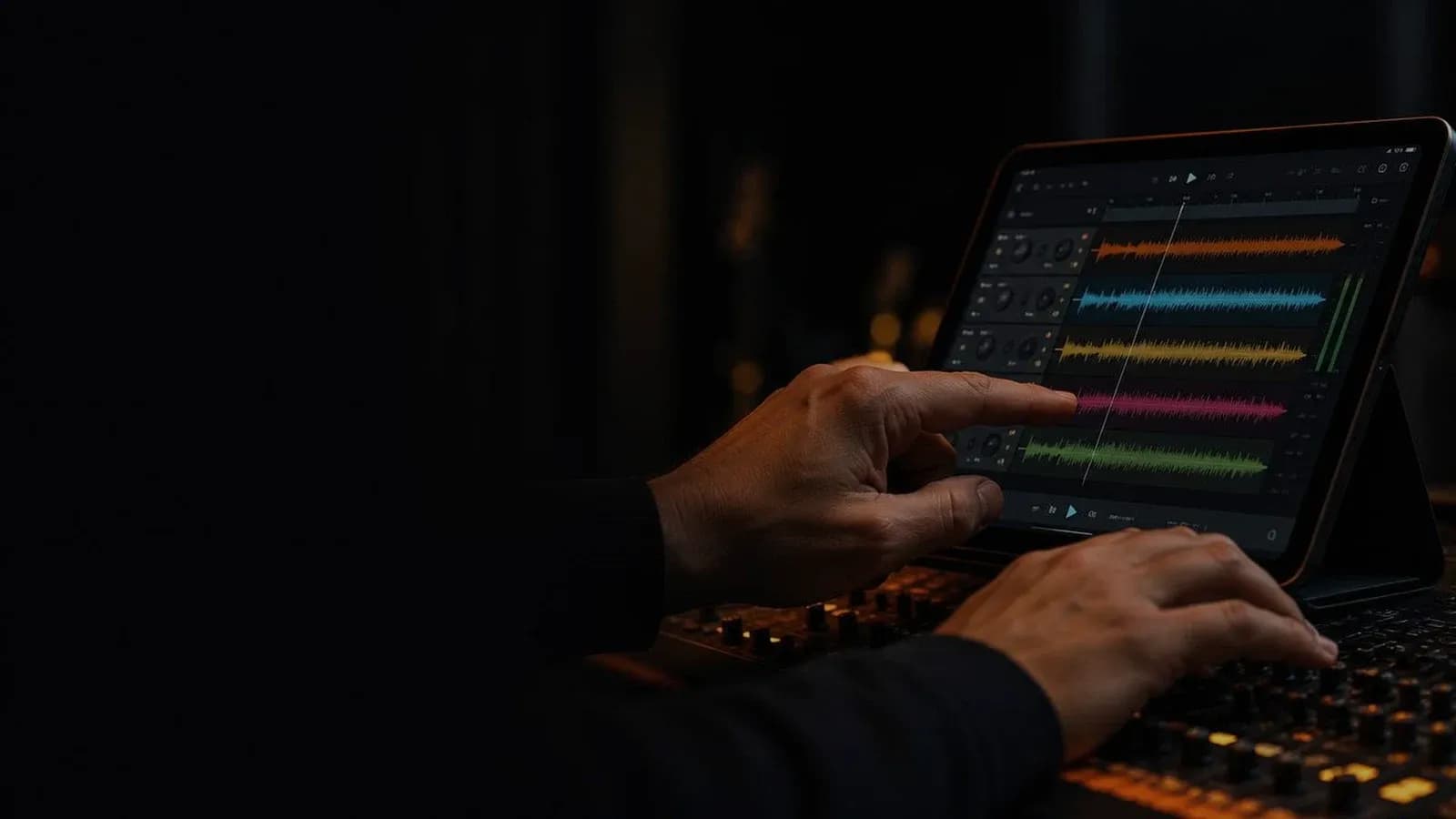
For years, multitracks were associated with large churches and professional production budgets. That's no longer true. Today, a church with two musicians and an iPad can run multitracks with the same consistency as a ten-piece band. Platforms got simpler, prices dropped, and documentation grew. What holds most churches back isn't a lack of resources — it's not knowing where to start, what gear to buy, how to route the click so it doesn't hit the room, or how to get musicians ready who've never played with in-ears. This guide covers all of it, practically.
What a multitrack is — and how it differs from a backing track
A backing track is a finished stereo mix: what you hear is what you get, with no way to adjust. A multitrack is completely different: it's a set of audio files split into individual stems — drums, bass, keys, strings, BGVs, pads, click, and vocal guides. Each stem runs on its own track, giving you full control over the mix during the service.
That distinction matters. With a multitrack, you can push the BGVs when the room needs more energy, pull back the pad during the message, or mute the bass if that player didn't make it on Sunday. They're a safety net and a production tool at the same time. The original stems — recorded by the song's producers — are also the perfect reference for your musicians to learn exactly how each part should sound.
The minimum setup to get started this Sunday
You don't need a studio rig or an eight-channel interface to get started. The most basic entry-level setup requires four things:
- Playback device: iPad (most common), Mac, or PC laptop
- Audio interface with at least two independent outputs
- A multitrack playback app (free or subscription-based)
- In-ears or headphones so the band can monitor the click separately from the PA
With that, you can have multitracks running this Sunday. If your interface only has one stereo output, the workaround is pan L for the stems going to the PA and pan R for the click going to the in-ears only. It works as a starting point, but you lose the stereo field on the stems. A multi-output interface is the natural next step.
Recommended interfaces for this context: Focusrite Scarlett 4i4 (four independent outputs, very reliable live), MOTU M4 (excellent value), or iConnectivity AUDIO4c if you're on iPad and need direct USB-C connectivity without adapters.
Three playback platforms: which one fits your context
Not every app fits every context. Here are the three most widely used in churches, with their real differences:
Playback (MultiTracks.com)
Available for iPad and iPhone. The most popular entry platform for churches — minimal learning curve: download stems directly from the app, map out the song structure (intro, verse, chorus, bridge, outro), and navigate between sections with a tap. The AutoPan function automatically sends the click to the right channel and the stems to the left when using a single stereo output, which greatly simplifies basic routing.
Its main limitation: arrangement control is fixed. You can't freely reorder sections or make production-level edits like you would in a DAW. If your church plays heavily customized versions or needs edited arrangements, Playback will eventually fall short.
Prime App (Loop Community)
Available for iOS and Mac, and it's free with a broad library of popular worship multitracks. Its most practical stage advantage: it supports foot controllers like the Looptimus from Loop Community, letting you trigger sections hands-free — ideal when the operator also plays an instrument and can't let go of their hands.
Prime also supports crossfades between sections and real-time looping — useful when the pastor runs long and you need to hold the atmosphere without cutting abruptly. For tight budgets, Prime is hard to beat.
Ableton Live
The most flexible and powerful option — but also the most demanding. Ableton Live isn't a playback app; it's a full DAW you configure for live multitrack playback with a level of control no dedicated app can match: real-time volume and effects automation, MIDI routing to other instruments (keys, electronic drum modules), key and tempo changes without re-exporting stems, and full per-track customization.
It's the standard for churches that produce original content, work with custom arrangements, or frequently need to adapt keys and tempos. The learning curve is real — expect several weeks before you feel comfortable using it live. But once mastered, it's a system that scales with your team indefinitely.
Looking for multitracks for your team? Explore them on Recursoiglesia.
Browse multitracks →How to route the click so it never hits the room
This is the most critical point in the system — and the one that causes the most problems when misconfigured. The click and vocal guides are internal elements for the band — the congregation should never hear them. Correct routing keeps them completely separate from the house mix.
The standard setup with a four-output interface:
- Outputs 1–2 → FOH console: stereo musical stems (no click, no guides). What the room hears.
- Outputs 3–4 → band's in-ear system: click + vocal guide + any additional monitor stems. What only the band hears.
- Verify the full routing with headphones on before rehearsal — never the day of the service.
If you're using Playback with a single stereo output, enable AutoPan in the settings: it sends the click to the right channel and stems to the left. A TRS to dual TS cable separates both signals. It works as a starting point, though you lose stereo on the stems.
Important technical note: if your device has Mono Audio enabled in the OS settings, the click can bleed into both channels even with AutoPan active. This is an accessibility setting enabled by default on some iPads — disable it before any testing.
How to prepare your team: the human factor
The technical setup can be perfect and the system can still fail if your musicians aren't ready to play with a click. This is the part most teams underestimate.
The first priority is the transition to in-ears. Playing with in-ears is fundamentally different from floor monitors: the mix is personal, the perception of space changes, and many musicians initially feel like they're playing in a vacuum. This adjustment takes time — don't introduce in-ears and multitracks on the same Sunday. Introduce in-ears first, let the team adjust for several weeks, then add the click and multitracks.
The second priority is rehearsing with click before the service. A team that's never played with a click in rehearsal won't handle it well in a service. Run two to three full rehearsals with click on every song before the first Sunday with multitracks. The timing errors and missed section entries that normally get corrected by ear now need to be anticipated.
The third is communicating with leadership. Introduce multitracks with a prior conversation with the pastor and worship team. The debate over whether using tracks is "authentic" exists in many congregations — address it directly, explain that stems complement the live musicians and that the click never reaches the room, and leave space for questions.
Which stems to activate based on your band
One of the most common mistakes when starting out is activating all stems at once. The result is a dense mix where the live musicians get buried under pre-recorded audio. Stems should fill what's missing, not duplicate what's already on stage.
- You have a drummer: deactivate the drums and percussion stem. Only activate it if the song has very specific percussion your drummer can't replicate.
- You have a bassist: deactivate the bass stem. Live bass plus recorded bass creates competing low frequencies that fight in the PA.
- No keyboard player: activate pad and synth stems. These are the safest to start with — they occupy mid-to-high frequencies that don't compete with the band.
- No strings or horns: activate those stems. They add orchestral depth without interfering with live instruments.
- BGVs: use carefully. If your vocal team is strong, bring them down to minimum. If there are few voices on stage, they can be a great support for the overall sound.
Common mistakes and how to avoid them
- Stems too loud in the PA. If the congregation hears more multitrack than live band, you have a mix problem. The correct reference: multitracks should feel like part of the band, not the lead.
- Latency not checked. A low-quality USB interface or a Bluetooth connection can introduce noticeable latency — the click arrives a few milliseconds late and throws off the team. Test the full system well in advance, not the same day.
- Not rehearsing with click before the service. The first Sunday with click on a team that's never used one is almost always rough. Practice in rehearsals for two to three weeks first.
- Key or tempo not verified. If you transposed a song in the platform but didn't re-export the vocal guides, the background vocals will play in a different key. Confirm key and BPM with the director before the final rehearsal.
- Zero flexibility in the set. Multitracks run on fixed structures. If the pastor wants to repeat a chorus or extend a moment, the system doesn't improvise. Decide beforehand which songs can be played freely without multitracks and make sure everyone knows.
A backup plan is not optional
A dead battery, an automatic app update mid-service, a bad cable, or an interface that stops responding can take down your entire system in seconds. This isn't pessimism — it's statistics: if you use multitracks every week for months, something will fail at some point.
Define a clear backup plan with your team: which songs in the set can the band play completely without multitracks, who is responsible for detecting a technical failure, and what's the signal that tells the team to switch to plan B. That protocol, rehearsed calmly, is the difference between a minor technical hiccup and a full service meltdown.
Explore more resources to elevate your worship at recursoiglesia.com, where you'll find multitracks, charts, templates and more. And follow us so you never miss a release: on Instagram and Facebook as @recursoiglesia.