If you ever downloaded a set of stems expecting to open every instrument on its own and instead ran into folders labeled DRUMS, BASS, and KEYS — instead of kick, snare, and hi-hat each on its own track — you've already lived the confusion. The word gets used for two different things, and AI separation showed up to muddy the water even more. Let's clear it up once and for all, no fluff.
Getting the difference isn't some audio-nerd technicality: it's what saves you from opening a set at the last minute and realizing you don't have the control over the mix you thought you had.
Stem vs. multitrack: the difference in one sentence
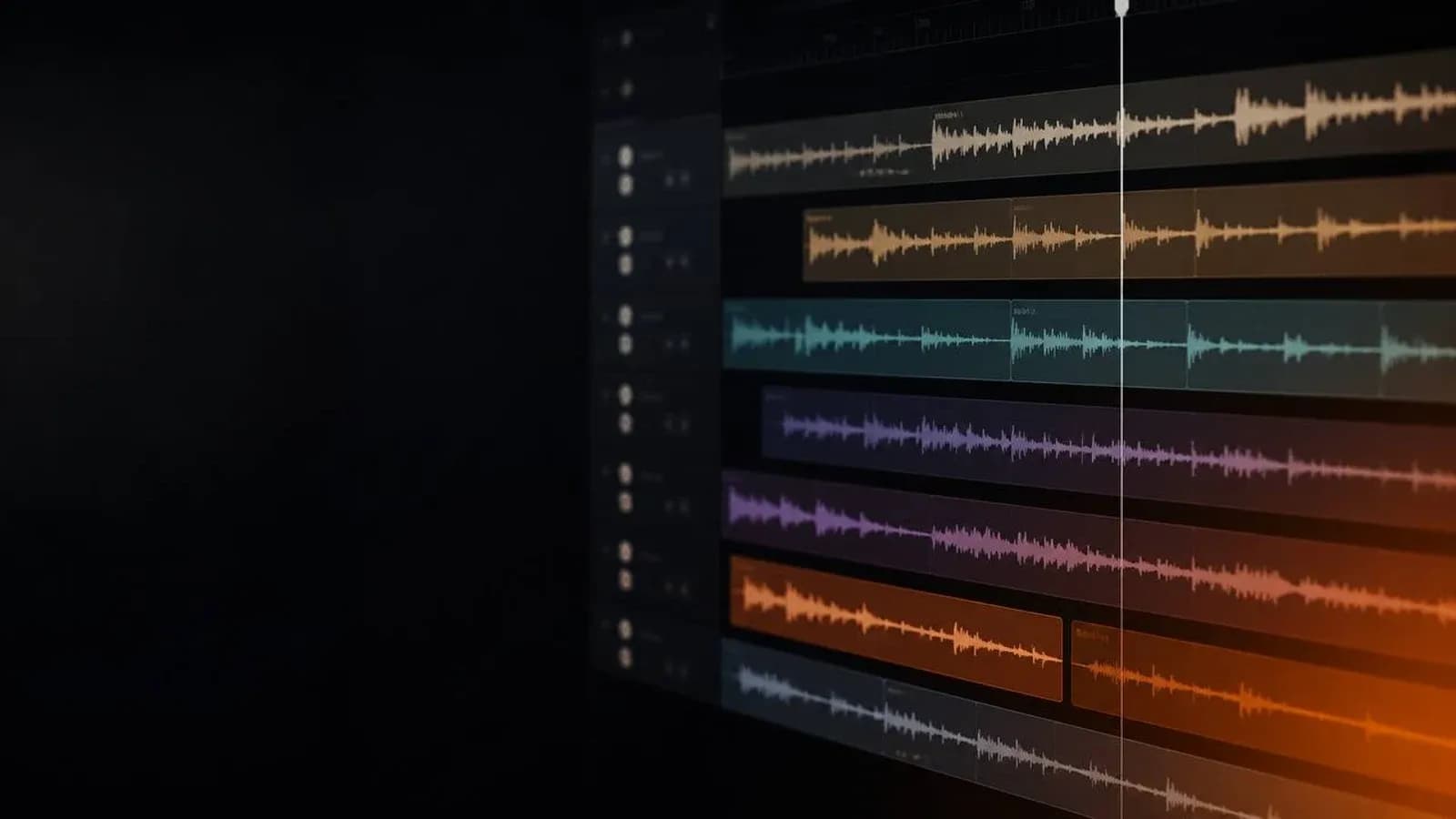
A multitrack is the individual, raw track of a single element: the kick alone, the snare alone, the lead vocal alone. A stem is a stereo submix of several elements that already travel together: all the drums summed into one file, or all the guitars, or all the keys. Put simply: the multitrack is the loose ingredient; the stem is a dish already made with several ingredients in it.
There's another key difference: multitracks usually come dry (no effects), so the engineer has full control. Stems normally arrive with their processing baked in — EQ, compression, reverb — because they're a slice of the finished mix, already cooked. So with stems you move fewer things, but you also decide fewer things.
The three worlds where you'll hear the word stem
Here's the trick almost nobody explains: the word stem means something slightly different depending on context. These are the three you'll run into as a worship musician.
1. Stems for playing live (tracks)
This is the most common use in church. When you buy a pack of tracks on a multitracks platform, each stem is an isolated part of the song ready to back your band: drums, bass, keys, pads, background vocals, plus the click and the guide. The beauty is you can turn each one on or off: got a live drummer? Turn off the drum stem. Missing your keys player? Leave it on and nobody notices the gap.
The click and guide deserve their own note. The click is the metronome that keeps the whole band in tempo — not just the drummer. The guide is a voice that tells you which section is coming, usually one bar ahead: "chorus," "bridge," "ending." Both go only to the band's in-ears, never to the audience.
2. Stems in production and mastering
If you record or produce, here a stem is a submix grouped by family: a drum stem (kick, snare, hats, toms, overheads summed), a bass stem, a music stem (guitars, keys, pads), and a vocal stem (lead, doubles, harmonies). Instead of sending 40 loose tracks to mixing or mastering, you send four or five stems. The engineer keeps enough control to, say, nudge the background vocals up without touching the lead — the well-known stem mastering.
The standard for exporting these stems is 24-bit WAV at 48 kHz, leaving at least 1 dB of headroom (peaks no higher than -1 dBFS) so whoever gets the files has room to work.
3. Stems pulled with AI
Looking for multitracks for your team? Explore them on Recursoiglesia.
Browse multitracks →This is the new world. AI tools take a finished song — a single stereo file — and split it into stems: vocals, drums, bass, piano, and "other." The best known are Moises, the Logic Pro Stem Splitter (which splits into six parts: vocals, drums, bass, guitar, piano, and other), iZotope RX Music Rebalance, UVR, and Lalal.ai.
They're great for studying an arrangement, working a part out by ear, or pulling the vocal to practice. But two honest warnings: first, no AI recreates the original stems perfectly — you'll hear artifacts, especially in busy passages. Second, and more important: separating a copyrighted song doesn't give you permission to use it live. To play in your service, always use licensed tracks from the official platforms. AI is for learning and experimenting, not for replacing the license.
How to build your stem set for playing live
With the theory clear, here's how to build a track set for the band to play over:
- Download the song's stems and check what the pack includes. It almost always brings click, guide, drums, percussion, bass, keys, pads, synths, and background vocals as separate tracks.
- Decide what you turn on and off based on your band that weekend. Got a bassist? Turn off the bass stem; short on voices? Bring up the pre-recorded background vocals.
- Load everything into your player: a dedicated multitracks app, MainStage, or a DAW like Ableton. Make sure every stem starts at the same point (bar 1, beat 1) so nothing drifts out of sync.
- Set the balance of each stem to taste. Pro tracks are designed to sound like the original recording, so start there and change only what you need.
- Route the click and guide to the in-ears, and the music to the PA. Never let the click bleed into the room.
- Test it all at rehearsal with your in-ears in. The first time you use tracks can't be live in front of the congregation.
FOH vs. foldback: two mixes at once
Here's the concept that makes it all work. You need two different mixes going out at the same time:
- The FOH (Front of House) mix: what the congregation hears. The musical stems go here, but never the click or guide.
- The foldback (or monitor) mix: what the band hears in their in-ears. The click and guide go here, plus whatever stems each musician needs to hear to play in tune and in time.
The band almost always needs different levels than the audience — more click, more reference — which is why they're handled separately on the console. If your board is digital, you solve this with aux buses or personal mixes.
Format and best practices
- Work in WAV, not MP3. MP3 compresses and loses quality; for live use you want the full audio in WAV at 24-bit / 48 kHz.
- Name your stems clearly. CLICK, GUIDE, DRUMS, BASS, KEYS, PADS, BGV — when you're under pressure, a clear name saves you.
- Check the starting sync. If a stem doesn't start exactly where the others do, the whole song plays out of sync. Line them up to beat 1 of bar 1.
- Save a base template. Don't build the set from scratch every week; keep a template with the routing and groups ready, and just swap the songs.
- Always credit the artist and use licensed material. You can talk about a song and play it with official tracks, but respect the rights to the work.
Common mistakes with stems
- Thinking a stem is an individual track. It isn't: it's a summed group. If you need fine control over each instrument, ask for multitracks, not stems.
- Leaving the click in the audience mix. It's the classic and most embarrassing mistake. Double-check the routing before every service.
- Not turning off the stems for the musicians you have. If you've got a live bassist and the bass stem is on, you'll be fighting two different basses in the mix.
- Relying on AI separation to play live. The quality isn't pro-level and it doesn't replace the license. Use it to practice, not for the live set.
Explore more resources to elevate your worship at recursoiglesia.com, where you'll find multitracks, charts, templates and more. And follow us so you never miss a release: on Instagram and Facebook as @recursoiglesia.